Left- vs. Right-Handed Coordinate Systems
Understanding 3D coordinate systems is essential for computer graphics, robotics, and data visualization. This guide explains the differences between left-handed and right-handed coordinate systems, clarifies common conventions, and demonstrates how these concepts apply to practical code examples. Whether you're working with LiDAR data, camera projections, or 3D modeling tools, knowing how axes are oriented helps avoid confusion and ensures consistency across your projects.
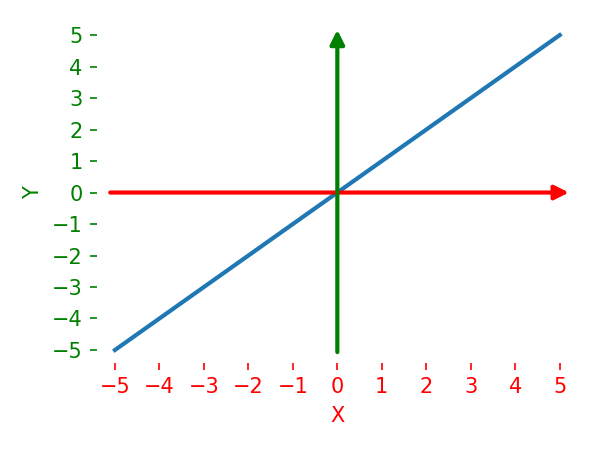
Start With Three Axes
A 3D coordinate system is defined by three perpendicular axes.
To describe it completely, you need all three directions:
- which way
+xpoints - which way
+ypoints - which way
+zpoints
Handedness is about the orientation of that full basis. It is not decided by one axis in isolation.
Right-Handed Coordinate System
The name comes from the right-hand rule.
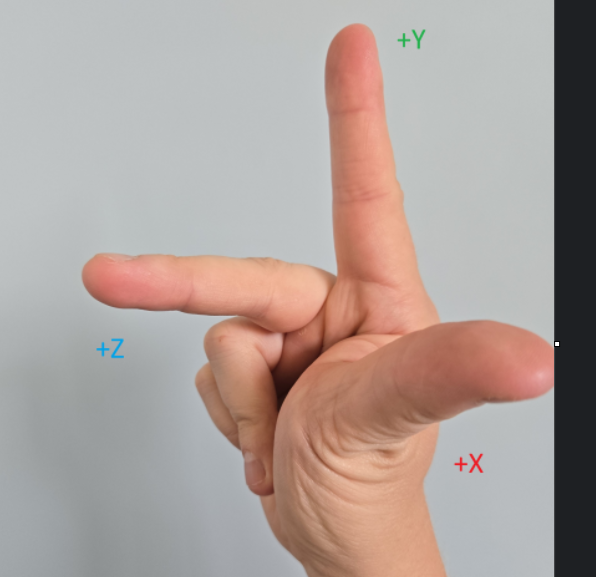
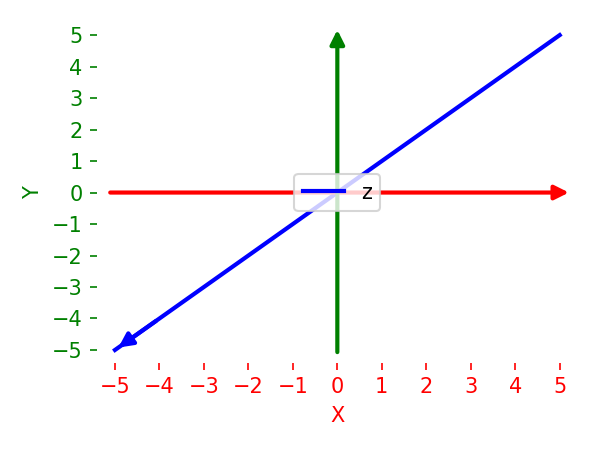
One common right-handed camera basis is:
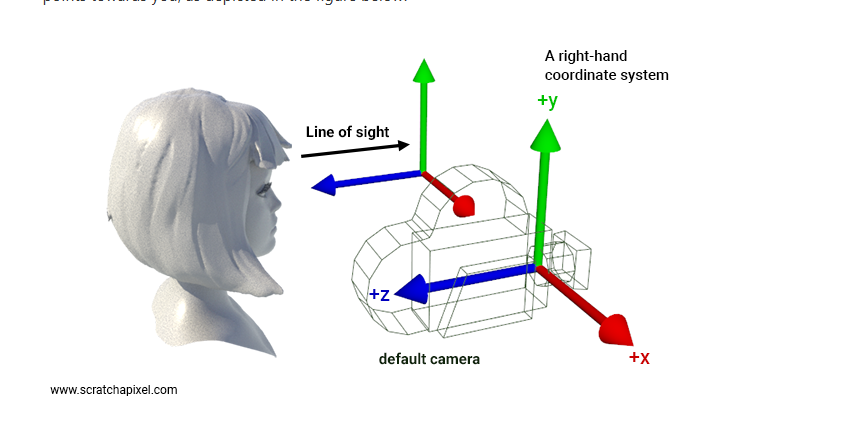
xrightyup-zin front of camera
This is the convention many people first meet in OpenGL-style view space.
Example With Camera Perspective
Left-Handed Coordinate System
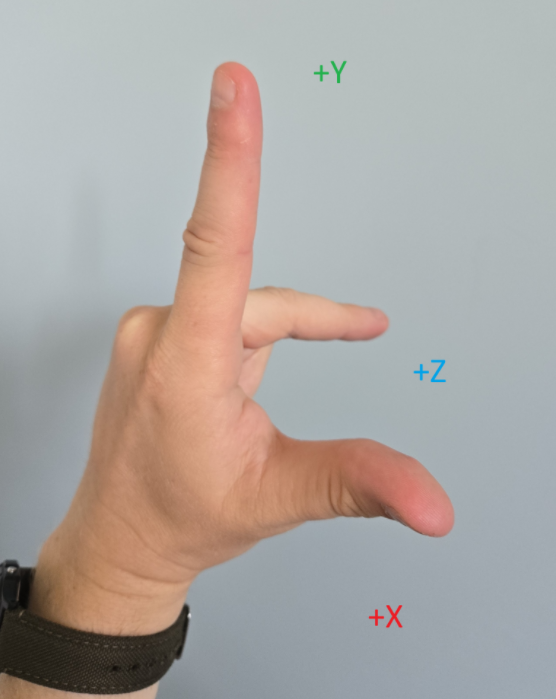
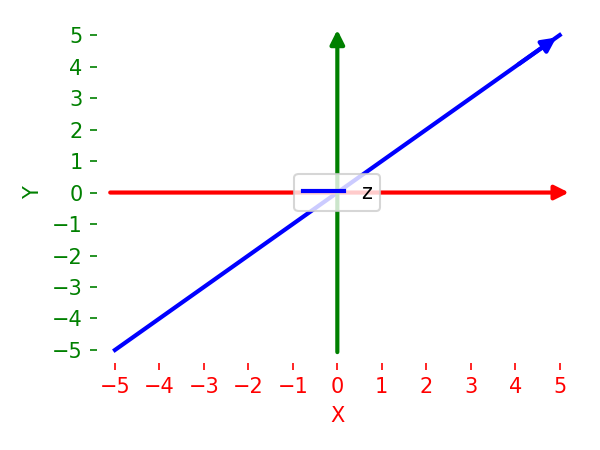
One common left-handed camera basis is:
xrightyupzforward relative to the xy panel
Compared with the previous example, the axis labels look similar, but the orientation of the Z axis is different.
Confusion point
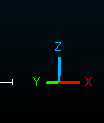
Above example shows y up but both left-handed and right-handed systems can be:
y-upz-up
For example CloudCompare could have z up
 3
3
z-up is common in CAD, GIS, Blender by default, and CloudCompare, - y-up is common in some graphics pipelines and modeling tools
But if someone says "CloudCompare is z-up", that still does not answer whether the frame is left-handed or right-handed.
Why One Axis Cannot Determine Handedness
A common point of confusion when working with 3D data and camera projections is assuming that a single axis direction determines the handedness of the coordinate system.
For example, when looking at a code snippet that filters points in front of a camera with positive Z axis:
# Assuming points_cam contains 3D points in camera space (x, y, z)
# Keep only points with positive camera-space z
mask = points_cam[:, 2] > 0
visible_points = points_cam[mask]
Once someone sees z > 0 being treated as "forward", it is tempting to jump straight to a handedness claim. That is where many explanations go off track.
Two entirely different camera frames can both treat positive z as "in front of the camera":
x Axis |
y Axis |
z (Forward) Axis |
Handedness |
|---|---|---|---|
| Right | Up | Forward (+z) | Left-handed |
| Right | Down | Forward (+z) | Right-handed |
Therefore, this inference is incomplete:
z > 0 in front -> left-handed
To definitively label a frame as left-handed or right-handed, you need the orientation of all three axes together:
- where
xpoints - where
ypoints - how those two directions relate to
z
If you use an OpenCV-style camera description often discussed in computer vision:
xrightydownzforward
The key lesson is still the same: one axis sign is not enough. You need the full basis.
Practical Implications in Code
When writing code that transforms and projects points, it is better to state the specific axis convention rather than making a broad handedness claim. This states the real implementation assumption without over-claiming handedness.
Notes About Image Space
When projecting 3D points to a 2D image, further confusion can arise. For instance, mapping normalized device coordinates to image pixels:
u = int((x_ndc + 1) * 0.5 * img_width)
v = int((y_ndc + 1) * 0.5 * img_height)
Because image row indices traditionally increase downward, positive motion in image-space v also goes downward. This is another reason to be careful when mixing discussions of camera-axis conventions with image-axis conventions.